
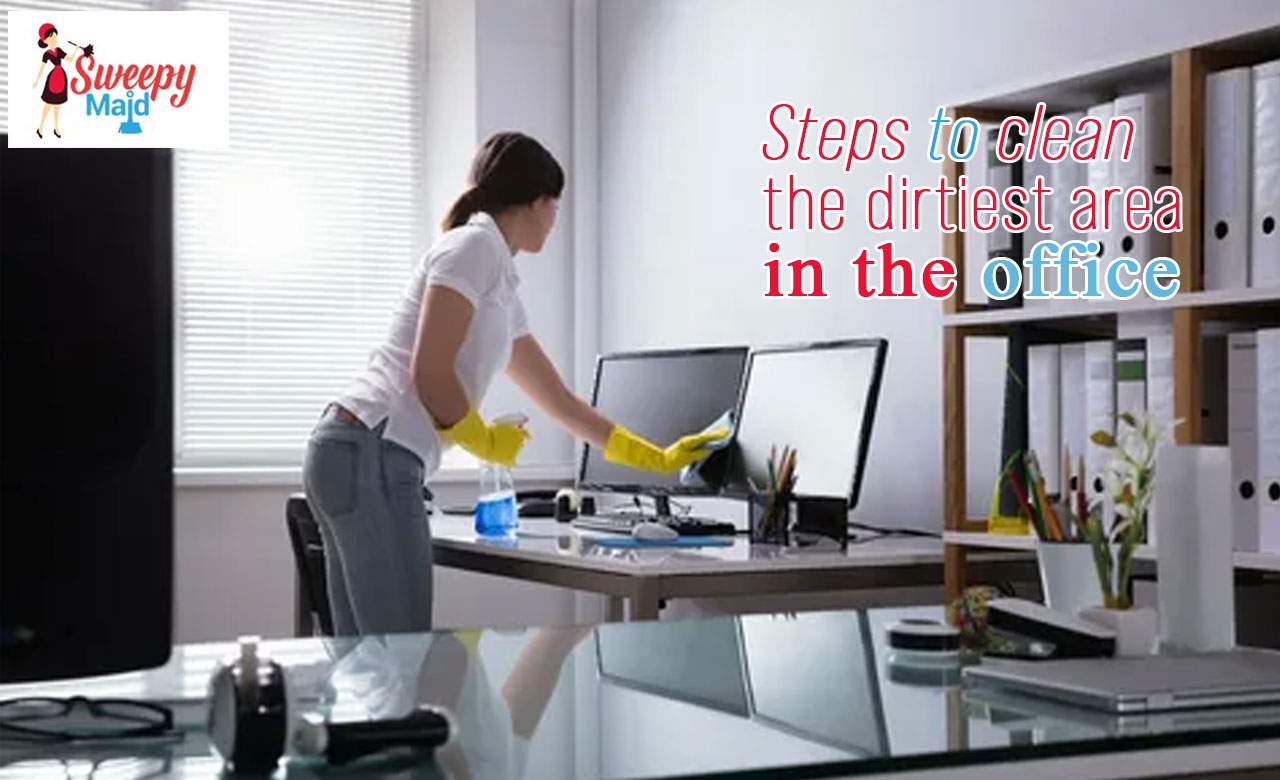

Most people don’t think about it, but an office can get much dirtier than we imagine. When dozens of employees share the same workstations, kitchens, meeting rooms, phones, and equipment, germs spread quickly. And even though we all try to keep things tidy, it only takes a few unclean surfaces to trigger allergies, sickness, and eventually those dreaded sick days that slow down the entire team. In busy workplaces across Canada, especially in cities like Victoria where finding reliable cleaners can feel like a challenge, maintaining a clean office becomes even more important. Employees are more productive when they work in a healthy environment, and businesses run smoother when people aren’t constantly falling ill. Before you rush to wipe everything down, it helps to understand the dirtiest areas in an office, the places where germs hide, dust collects, and bacteria spread without anyone noticing.
Let’s break it down in a simple, practical way.
Which Are the Dirtiest Areas in an Office?
Some office spaces look spotless at first glance, but cleanliness isn’t just about what you can see. In fact, the areas we touch the most often are the ones that carry the most bacteria. Here are the worst offenders:
1. Keyboards and Computer Mice
If you had to guess the dirtiest item in an office, you might say something like the washroom door handle. But surprisingly, keyboards and mice usually rank higher.
Think about it:
We touch them all day
Most people snack while working
Crumbs fall between keys
Dust gathers around the edges
Coffee spills, greasy fingerprints, and sneezes… it all ends up there
And the biggest reason they stay dirty?
Almost nobody cleans them regularly.
2. Office Phones
Office phones are handled constantly. Whether you’re taking a quick call from a client or moving the receiver across your desk while multitasking, you’re transferring bacteria from your hands to the buttons and the handset.
If the same phone is shared between multiple employees, the contamination spreads even faster.
3. Desktops and Work Surfaces
If you can place it on a desk, chances are it’s carrying germs. Papers, pens, notebooks, food containers, water bottles — everything leaves something behind.
These surfaces collect:
Dust
Oils from your hands
Allergens
Coffee rings
Food particles
Germs from shared objects
It doesn’t take long for a workstation to turn into a hotspot for bacteria.
4. Office Kitchen or Break Room
Office kitchens are the biggest germ magnets in any workplace. Because everyone uses them, but not everyone cleans up properly.
Common problem areas include:
Microwave handles
Countertops
Sinks
Refrigerator doors
Coffee machines
Shared utensils
A spill here, a bit of food left out ther; it all adds up. And when these areas aren’t cleaned properly, bacteria multiply quickly.
5. Shared Spaces and Equipment
Conference rooms, printers, photocopiers, meeting tables, and shared chairs see a constant flow of people.
Even if they don’t look dirty, the germs sit on surfaces like:
Touchscreens
Buttons
Table edges
Remote controls
Light switches
And because these areas aren’t cleaned daily, they quietly become some of the dirtiest areas in an office.
6. Flooring
Floors take a beating every single day. Dirt from shoes, outdoor dust, food crumbs, spills — all of it ends up on the carpet or hard floors.
Carpets, especially, hold allergens far longer than most people realize. If they’re not vacuumed often, they collect bacteria that you won’t see but definitely breathe in.
Different Ways to Clean the Dirtiest Areas in an Office
Cleaning these high-touch areas doesn’t have to be complicated. With a few simple steps and the right tools, you can maintain a cleaner, healthier workspace.
Cleaning Keyboards and Computer Mice
Use compressed air to blow out dust between the keys
Wipe the surface with disinfectant wipes
Use a cloth with isopropyl alcohol for deeper cleaning
Cotton swabs help reach tighter spaces around buttons
These tools remove the grime you can’t see but definitely don’t want your hands touching.
Cleaning Office Phones
Since phones are used throughout the day, regular cleaning is essential.
Wipe the handset, keypad, and base with disinfectant wipes
Use isopropyl alcohol for stubborn sweat or makeup marks
Clean around buttons using cotton swabs
It takes less than a minute, and it reduces a huge amount of bacteria.
Cleaning Desks and Work Surfaces
Start by removing clutter. A messy desk makes effective cleaning impossible.
Use an all-purpose cleaner or mild detergent
Wipe everything with a disinfectant
Microfibre cloths work best because they don’t leave streaks
Pay extra attention to places your hands touch every day, like the edges of the desk and drawer handles.
Cleaning the Office Kitchen or Break Room
This area needs daily attention because food and spills attract germs faster than anything else.
Sanitize countertops with vinegar and water or a kitchen-safe cleaner
Clean microwaves, sinks, and faucets with disinfectant spray
Wash shared dishes with hot, soapy water
Regularly wipe refrigerator handles and shelves
A clean kitchen reduces office sickness more than people realize.
Cleaning Shared Spaces and Office Equipment
Anything that multiple employees touch needs regular cleaning.
Wipe down meeting tables
Sanitize light switches and remote controls
Clean printers, copiers, and fax machines
Pay extra attention to touchscreens and keypads
These are “silent spreaders”, always used, rarely cleaned.
Cleaning Floors
For carpets:
Vacuum regularly
Use a deep-cleaning machine when needed
Consider professional carpet cleaning to remove hidden allergens
For hard floors:
Sweep daily
Mop with a proper cleaning solution
Use a steam cleaner for stubborn dirt
Flooring impacts indoor air quality, so it’s not just about appearance; it’s about health.
Why Professional Cleaning Helps More Than You Think
You can clean your workspace regularly, but deep cleaning requires expertise, the right tools, and consistent scheduling. That’s why many businesses, especially in busy areas like Victoria, choose professional cleaning services.
Hiring reliable cleaners ensures:
Fewer sick days
Cleaner shared surfaces
Better air quality
A healthier work environment
A more productive team
Professional cleaners know how to target the dirtiest areas in an office, even the ones you might not think about.
If your office is struggling to stay clean or you just want a healthier space for your team, bringing in experts makes a noticeable difference.